Try lt Free
 Recovery success rate of up to

Ransomware is not only designed to encrypt documents. Modern attacks often look for backups first. If the attacker can delete or encrypt backup copies, the victim has fewer options and more pressure to pay.
That is why backup strategy matters as much as antivirus software. A backup that is always connected, writable, and visible to the same account can be damaged along with the original files.
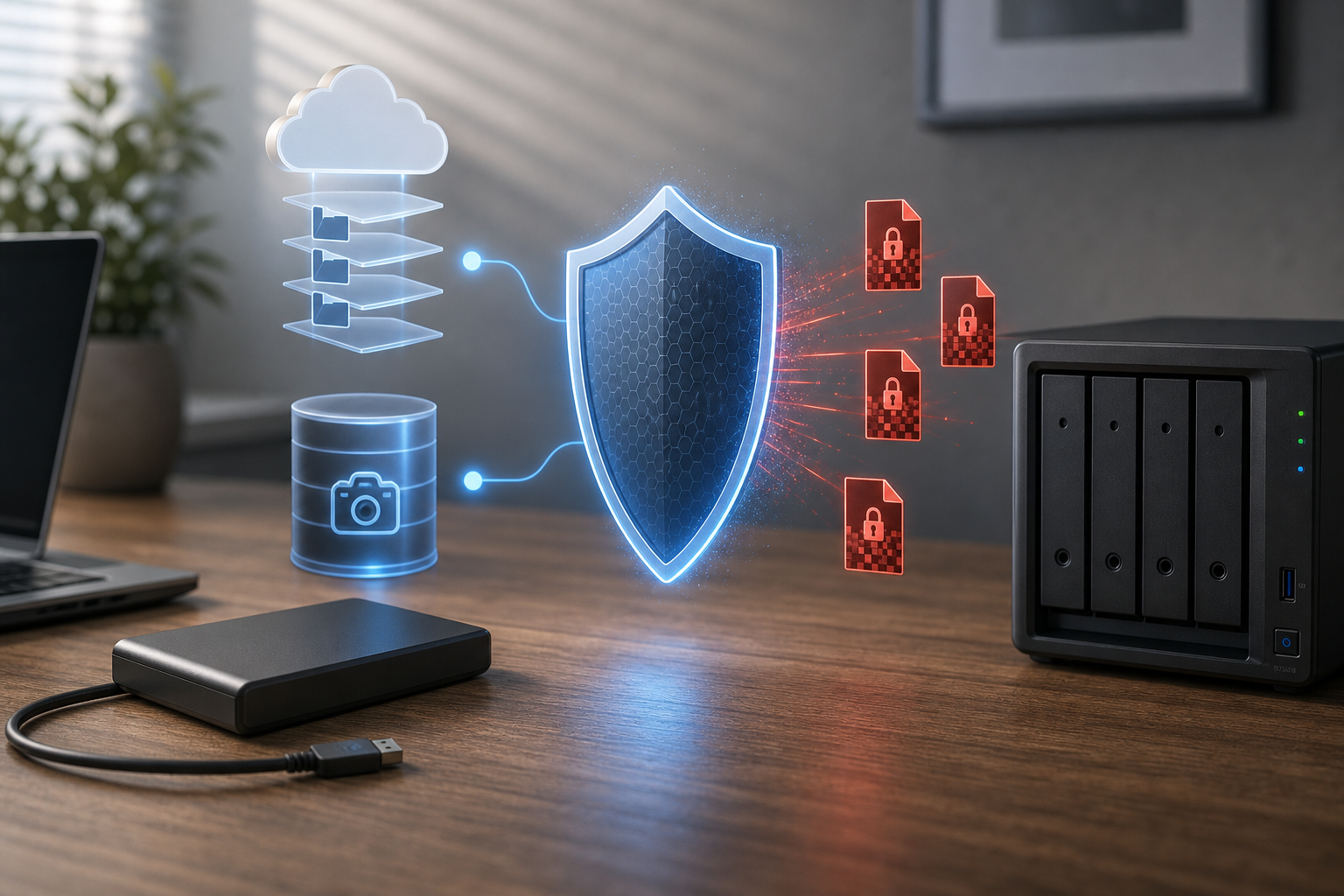
Why attackers care about backups
Backups are leverage. If a user or business can restore clean files quickly, ransomware loses power. Attackers know this, so they search for network shares, mapped drives, backup folders, cloud sync directories, and administrative backup tools.
In business attacks, criminals may spend time inside the network before encryption begins. They may learn where backups are stored and remove restore points before launching the visible attack.
Always-connected backups are vulnerable
An external drive that is always plugged in can be convenient, but it may also be encrypted by ransomware. A cloud folder that syncs automatically can upload encrypted versions. A network share with broad write access can be damaged from one infected account.
This does not mean these tools are useless. It means they need protection layers.
Use versioning and offline copies
Version history allows users to restore earlier file versions after a bad change. Offline backups are disconnected when not in use, which helps protect them from malware running on the computer. Immutable or locked backups are designed so ordinary users and malware cannot modify existing backup snapshots.
Home users can rotate external drives. Small businesses can combine cloud versioning, local backup, and a protected offsite copy.
What to do after an attack
Do not reconnect backup drives to an infected computer. Disconnect the machine from the network, document what happened, and clean or rebuild systems before restoring files. If some files were deleted or storage devices became unreadable, review recovery options from Drecov before writing new data.
Users who need file recovery software can start from the Drecov download link. Recovered files should be saved to a separate clean drive, not the encrypted or damaged location.
Test restores before you need them
A backup plan is not complete until you test restoring files. Pick a few sample documents, restore them to a safe folder, and confirm they open. The best ransomware backup is boring: restricted, versioned, offline when possible, and tested before panic begins.
About us and this blog
Panda Assistant is built on the latest data recovery algorithms, ensuring that no file is too damaged, too lost, or too corrupted to be recovered.
Request a free quote
We believe that data recovery shouldn’t be a daunting task. That’s why we’ve designed Panda Assistant to be as easy to use as it is powerful. With a few clicks, you can initiate a scan, preview recoverable files, and restore your data all within a matter of minutes.