Try lt Free
 Recovery success rate of up to

A passkey is a newer way to sign in without typing a traditional password. Instead of remembering a string of characters, the user approves login with a device they already trust, such as a phone, laptop, fingerprint sensor, or face unlock.
The promise is simple: fewer passwords to remember, fewer passwords to steal, and less chance of entering credentials on a fake website. For everyday users, passkeys can make account security easier, but they still require good habits.
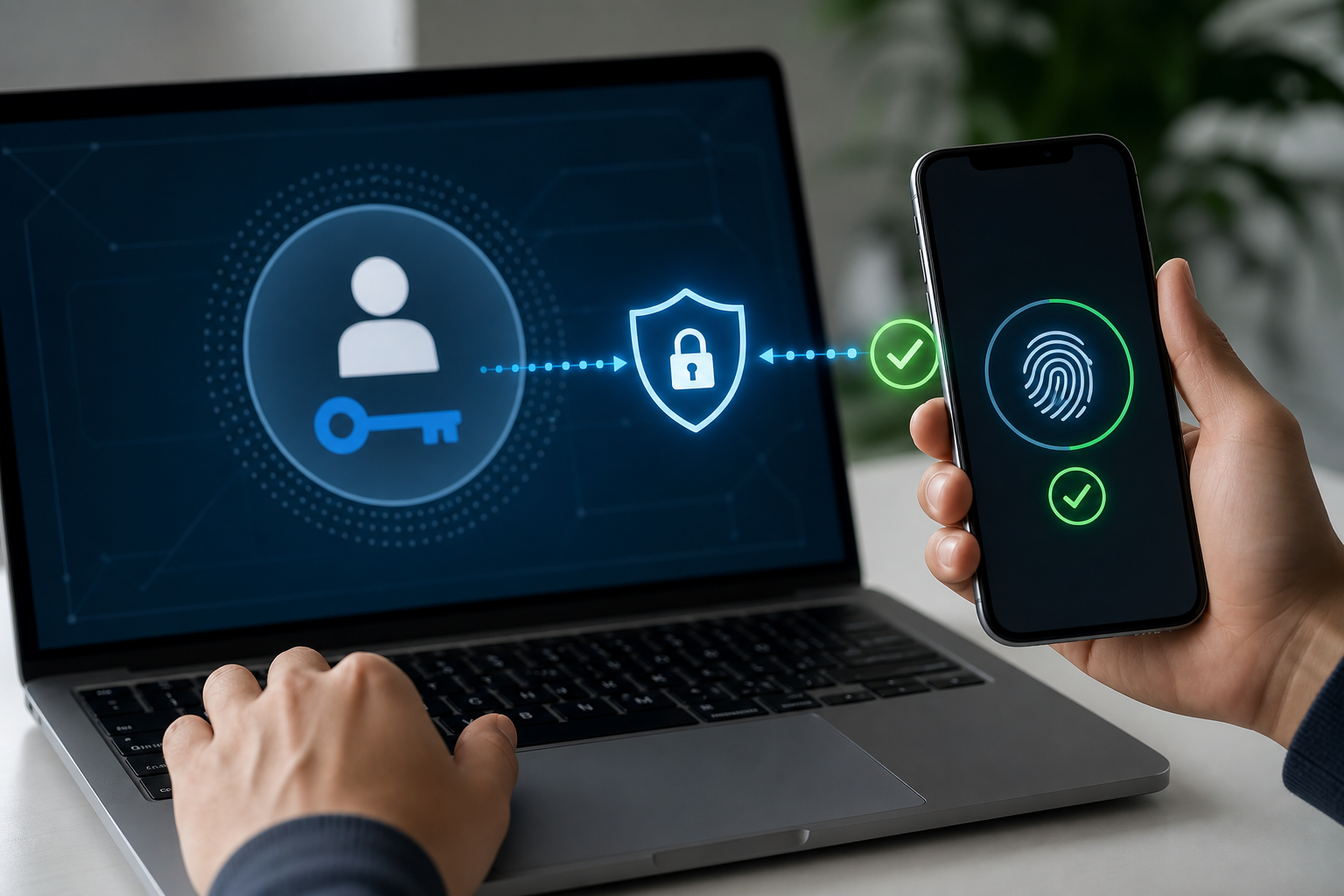
How a passkey works
With a password, the user and website both rely on a shared secret. If that password is reused, phished, leaked, or guessed, the account is at risk. A passkey works differently. It uses a pair of cryptographic keys: one stays on the user’s device, and the other is stored by the service.
When the user signs in, the device proves it has the private key. The private key is not typed into the website, so a fake login page cannot capture it in the same way it captures a password.
Why passkeys help against phishing
Many online attacks begin with a fake login page. A user receives an email, clicks a link, and enters a password. If the page looks convincing, the attacker gets access. Passkeys make this harder because the authentication is tied to the real website and the user’s device.
That does not mean every risk disappears. Users still need to protect devices, avoid approving unexpected sign-in prompts, and keep recovery methods updated. A stolen unlocked device can still create problems.
What happens if you lose your device?
This is the question most users should ask before switching fully to passkeys. Many platforms sync passkeys through a secure account system, so a new device can regain access after identity verification. Other setups may require backup methods, recovery codes, or another trusted device.
Before relying on passkeys for critical accounts, check how recovery works. Store recovery codes safely, keep account recovery email addresses current, and avoid keeping all access methods on one device.
Passkeys do not replace backups
Better login security protects accounts, but it does not protect every file. If a device fails, a storage card is corrupted, or files are deleted locally, account security alone will not recover the data. Users still need backups and safe recovery habits.
If important files are already missing, avoid writing new data to the same storage device. Guidance from Drecov can help users understand recovery scenarios before they try formatting, reinstalling, or risky repair commands.
Should you use passkeys?
For most users, yes. Passkeys are easier than strong unique passwords and more resistant to phishing. Start with major accounts such as email, cloud storage, banking, and password managers. Keep a backup sign-in method, but make sure it is also protected by two-factor authentication.
If account compromise caused file loss, or a damaged device needs file recovery, users can begin from the Drecov download page. Security and recovery work best together: prevent unauthorized access, and keep a plan for when devices or files fail anyway.
About us and this blog
Panda Assistant is built on the latest data recovery algorithms, ensuring that no file is too damaged, too lost, or too corrupted to be recovered.
Request a free quote
We believe that data recovery shouldn’t be a daunting task. That’s why we’ve designed Panda Assistant to be as easy to use as it is powerful. With a few clicks, you can initiate a scan, preview recoverable files, and restore your data all within a matter of minutes.