Try lt Free
 Recovery success rate of up to

Choosing storage looks simple until you compare speed, price, durability, capacity, and recovery risk. An SSD, HDD, USB flash drive, and SD card can all store files, but they are not equally good for every job.
The right choice depends on what matters most: fast editing, cheap large capacity, pocket portability, camera compatibility, or long-term backup.
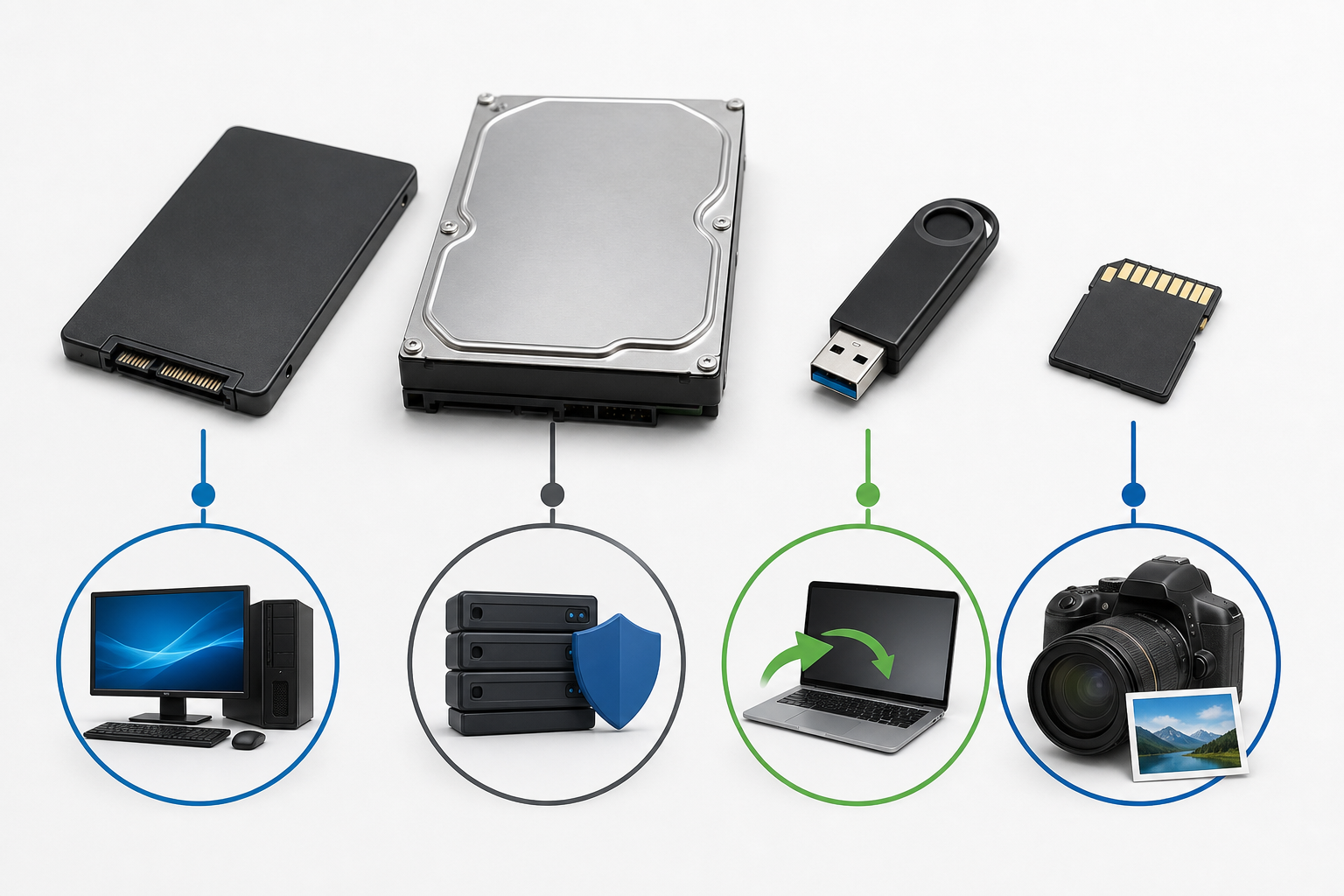
SSD: fast everyday storage
Solid-state drives are fast, quiet, and resistant to vibration because they have no spinning parts. They are excellent for system drives, video editing, active projects, and portable work drives. External SSDs are especially useful when speed matters.
The tradeoff is cost per terabyte. Also, when SSDs fail, recovery can be more complicated because of controller behavior, encryption, and TRIM.
HDD: large capacity for less money
Hard disk drives offer large storage at a lower price. They are still useful for backups, archives, and media libraries. The weakness is mechanical failure. Drops, vibration, clicking noises, and bad sectors can make a drive unreadable.
USB flash drive: convenient transfer
USB drives are best for moving files between computers. They are small and cheap, but they are not ideal as the only copy of important data. They are easy to lose and can fail without much warning.
SD card: made for cameras and devices
SD cards are designed for cameras, drones, phones, and small devices. They are convenient for capture, not permanent storage. After a shoot, copy files to a computer and backup drive before reusing the card.
Recovery risk should influence your choice
If a device contains important files, stop using it when errors appear. Do not format a card, initialize a disk, or run repair commands before recovery. A practical resource such as Drecov can help users understand safer steps for different storage failures.
When software recovery is appropriate, install the tool on a different drive and save recovered files to another device. Users can use the Drecov download link as a starting point.
A simple buying rule
Use an SSD for speed, an HDD for affordable backup capacity, a USB drive for short-term transfer, and an SD card for capture devices. For anything important, keep more than one copy. The storage device matters, but the backup habit matters more.
About us and this blog
Panda Assistant is built on the latest data recovery algorithms, ensuring that no file is too damaged, too lost, or too corrupted to be recovered.
Request a free quote
We believe that data recovery shouldn’t be a daunting task. That’s why we’ve designed Panda Assistant to be as easy to use as it is powerful. With a few clicks, you can initiate a scan, preview recoverable files, and restore your data all within a matter of minutes.