Try lt Free
 Recovery success rate of up to

AI tools are useful for summarizing documents, rewriting text, extracting action items, and analyzing messy notes. The risk is that uploading a file may expose information that did not need to leave your device or organization.
Before uploading anything, ask two questions: does the AI tool need the actual file, and would it be a problem if this content were stored, reviewed, or shared under the service policy?
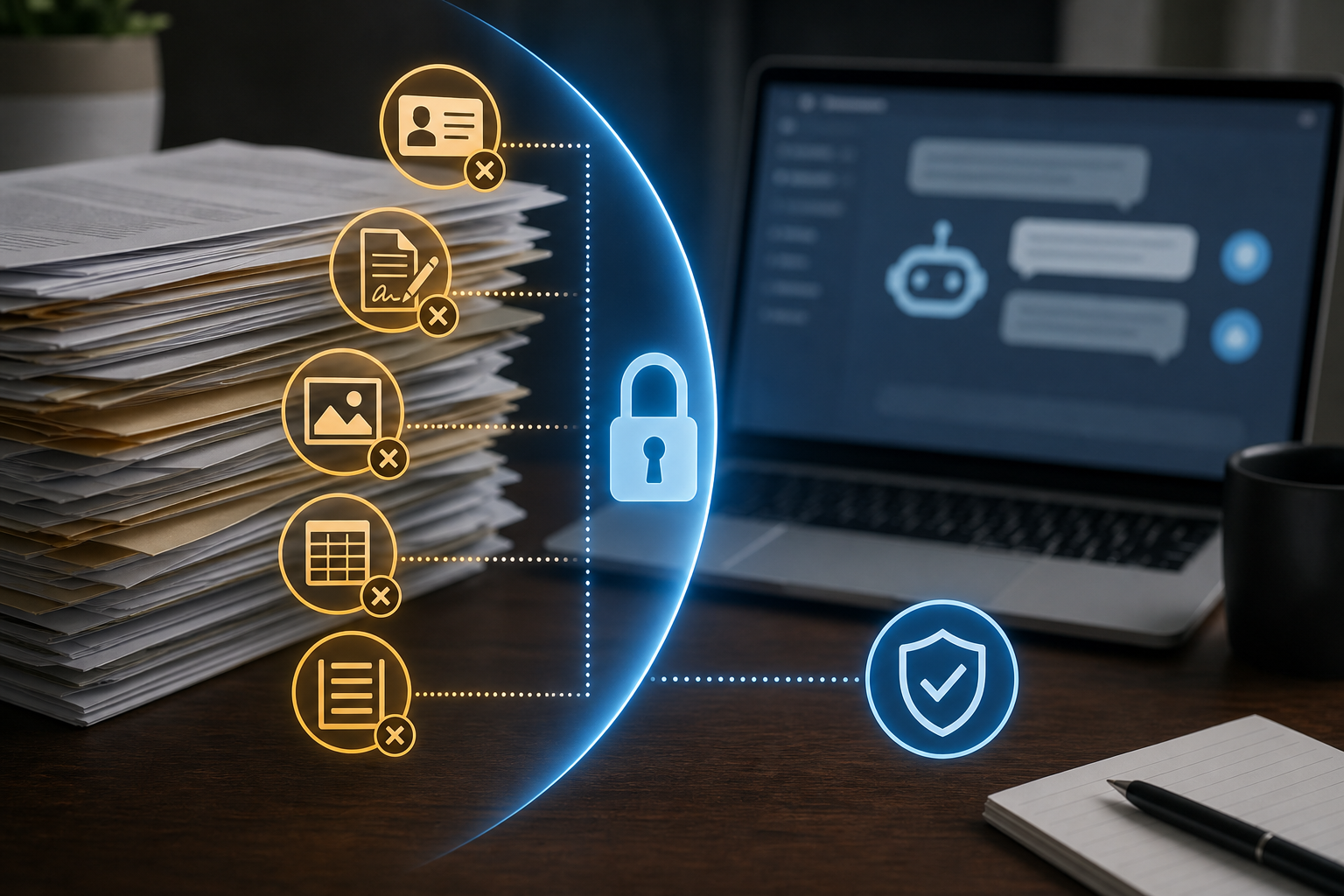
Do not upload identity documents
Passports, ID cards, driver’s licenses, immigration papers, tax forms, and medical records contain information that can be abused. If you need help understanding a form, remove names, numbers, addresses, signatures, and barcodes first.
Keep passwords and security keys out
Never upload password lists, recovery codes, private keys, API tokens, seed phrases, SSH keys, or configuration files that contain secrets. AI tools do not need the actual secret to explain a concept or troubleshoot a general setup.
Be careful with business records
Contracts, customer lists, sales reports, unreleased product plans, legal documents, and internal emails can contain confidential information. Use sanitized excerpts when possible. For team workflows, create a clear rule for what can and cannot be pasted into external AI services.
Do not upload private photos or file collections casually
Image and document analysis can be helpful, but personal photos, family archives, client images, and recovered file previews may include sensitive details. If a storage device is failing, prioritize recovery safety before convenience.
For file-loss situations, describe the device and error message instead of uploading private content. A recovery guide such as Drecov can help users decide what to do without exposing the files themselves.
Use safer alternatives
Summarize the file yourself, paste a short sanitized excerpt, replace names with placeholders, remove metadata, and avoid attaching full folders. If you use enterprise AI tools, confirm retention, training, and access policies before handling sensitive material.
If data is missing from a drive or card, do not upload damaged files to random services. Recover them locally to a separate storage device when possible. Users can begin from the Drecov download page and keep private files under their own control.
The simple rule
If a file contains secrets, identity information, customer data, financial records, medical details, or irreplaceable personal content, do not upload it unless you have a trusted reason and a clear policy. AI is helpful, but privacy still starts with restraint.
About us and this blog
Panda Assistant is built on the latest data recovery algorithms, ensuring that no file is too damaged, too lost, or too corrupted to be recovered.
Request a free quote
We believe that data recovery shouldn’t be a daunting task. That’s why we’ve designed Panda Assistant to be as easy to use as it is powerful. With a few clicks, you can initiate a scan, preview recoverable files, and restore your data all within a matter of minutes.