Try lt Free
 Recovery success rate of up to

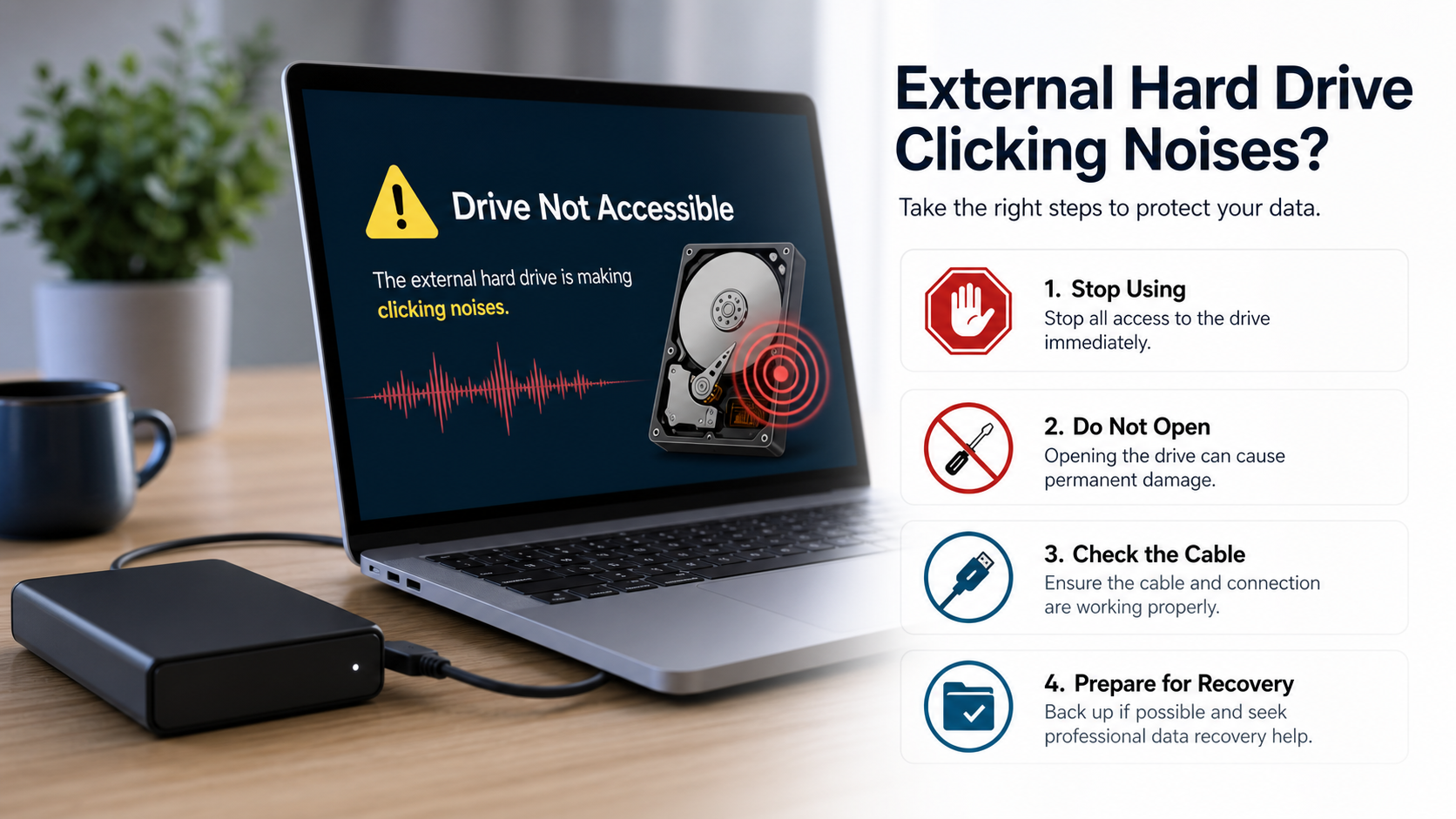
An external hard drive that starts clicking should be treated carefully. Some clicks are harmless connection sounds, but repeated clicking, grinding, or rhythmic ticking can indicate mechanical failure. If the drive contains important files, every extra attempt may matter.
The safest first step is to stop using the drive until you understand the situation. Do not copy new files to it, do not format it, and do not run repair tools before deciding whether the data is recoverable.
What clicking can mean
Hard drives use moving parts. A clicking sound can come from the read/write heads struggling to position, the motor failing to spin correctly, insufficient power, or damaged internal components. External enclosures and cables can also cause detection problems.
If the drive clicks only once when plugged in and then works normally, the risk may be lower. If it clicks repeatedly and does not mount, be cautious.
Check the simple things first
Try a different USB port, a shorter cable, or a powered hub if the drive requires more power. If the drive has its own power adapter, confirm it is connected firmly. Avoid shaking, tapping, freezing, or opening the drive.
If the drive appears briefly, copy the most important files first to another device. Do not run a full backup if the drive is unstable and repeatedly disconnects.
Do not run repair commands too early
Commands that repair file-system structures may help in some logical errors, but they can be risky on a physically failing drive. If the drive is clicking and files matter, recovery should focus on reading data safely, not forcing repairs.
Before taking action, review safe recovery guidance from Drecov. The goal is to avoid overwriting, stressing, or modifying a drive that may still contain recoverable files.
When software recovery makes sense
If the drive is detected consistently, does not make severe mechanical noises, and remains stable during scanning, software recovery may help with deleted files, lost partitions, or file-system damage. Install recovery software on a different drive and save recovered files elsewhere.
Users can begin from the Drecov download link. If the drive disconnects, gets hot, or clicks continuously, stop and consider professional service.
The bottom line
Clicking is a warning, not a normal troubleshooting puzzle. Check cables and power, but avoid repeated experiments. If the data is important, the best move is often the least dramatic one: stop using the drive and plan recovery carefully.
About us and this blog
Panda Assistant is built on the latest data recovery algorithms, ensuring that no file is too damaged, too lost, or too corrupted to be recovered.
Request a free quote
We believe that data recovery shouldn’t be a daunting task. That’s why we’ve designed Panda Assistant to be as easy to use as it is powerful. With a few clicks, you can initiate a scan, preview recoverable files, and restore your data all within a matter of minutes.