Try lt Free
 Recovery success rate of up to

Deepfake Video Scams Are Getting Better: Why Video Calls Are Not Enough Proof
- 2026-07-26
- datarecovery
For years, a video call felt like strong proof of identity. If you could see a person’s face and hear their voice, the request seemed real. Deepfake tools are weakening that assumption. Scammers can now create more convincing audio and video impersonations, especially when public photos, videos, or voice clips are available online.
This does not mean every video call is suspicious. It means users and businesses need better verification habits when a call leads to money movement, account access, private documents, or urgent file-sharing requests.
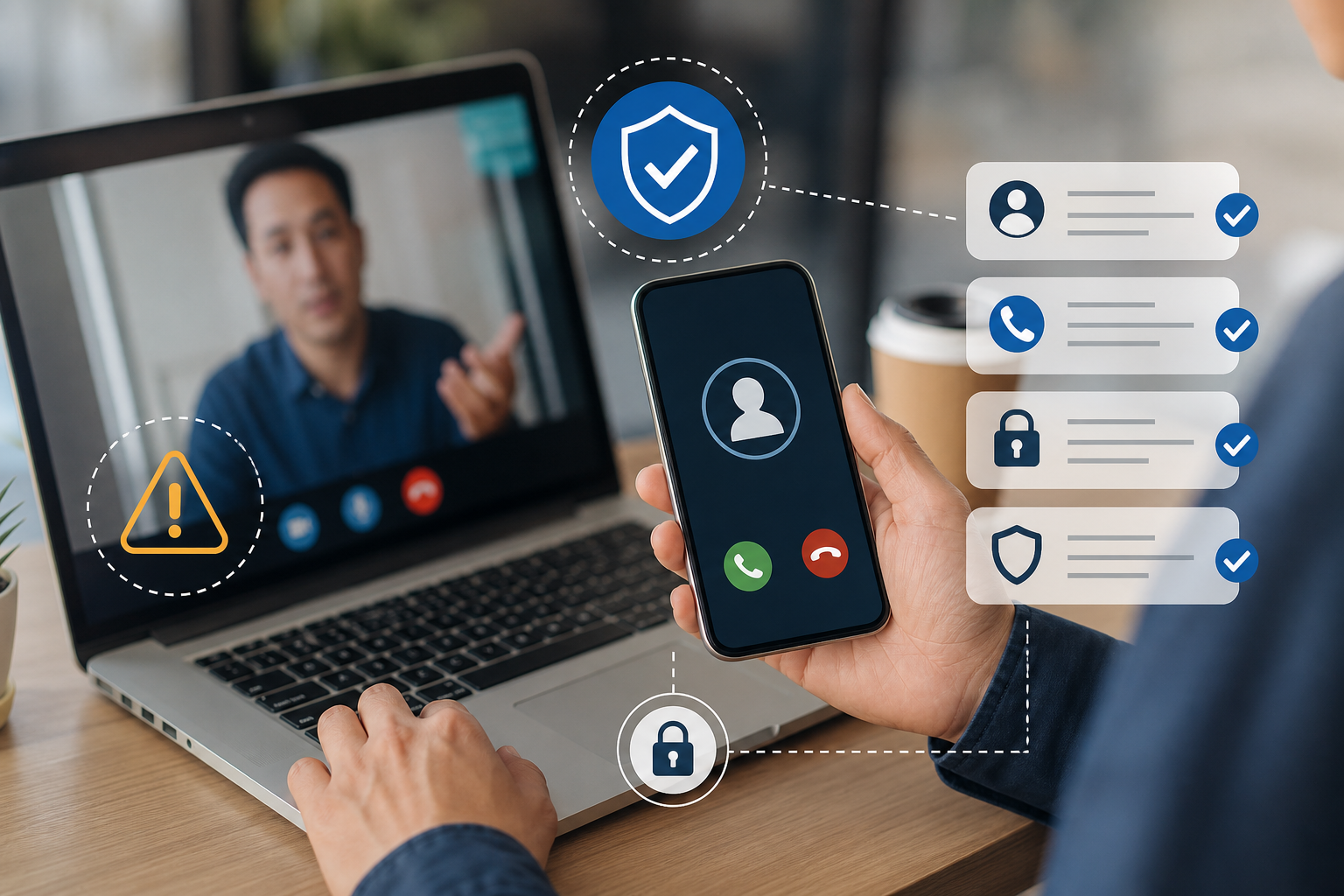
Why deepfake scams work
Deepfake scams work because they combine familiarity with urgency. A fake executive may ask an employee to make a payment. A fake family member may request emergency help. A fake support agent may ask a user to install software or share a screen. The visual element lowers suspicion.
The attacker may not need a perfect deepfake. If the call is short, the video quality is low, or the victim is under pressure, small flaws can be missed.
Warning signs to watch for
Be careful when a video call includes an urgent request, unusual payment instructions, new bank details, a request to bypass normal approval, or pressure to keep the conversation private. Technical clues can include odd facial movement, strange lighting, unnatural blinking, mismatched audio, or a caller who avoids open conversation.
But visual clues are not enough. Some real calls have poor quality too. The safer strategy is procedural verification.
Verify through a separate channel
Before approving a sensitive request, contact the person through a known channel that the caller did not provide. Use a saved phone number, internal chat, company directory, or previously verified email. For businesses, large payments and account changes should require a second approval.
For personal users, create a family verification phrase or call-back rule. If someone asks for money or account access on a video call, pause and verify independently.
Protect files and devices during remote support
Some scams use fake support calls to gain remote access. The caller may claim a device is infected, a cloud account is compromised, or files need urgent repair. Do not install remote access software or share screens unless you initiated the support session through an official channel.
If files are missing or a drive is unreadable, avoid rushed actions. A data recovery resource like Drecov can help users understand safer recovery steps before giving anyone remote control or formatting storage.
If you suspect a scam
End the call, do not click follow-up links, change passwords if credentials were shared, and alert your bank or workplace if payment information was involved. If suspicious software was installed, disconnect the device from the network and run a security check.
If files were deleted or damaged during the incident, stop using the affected drive and recover to a different storage device. Users can start from the Drecov download page if they need file recovery software.
Trust process, not appearance
Deepfake scams are a reminder that seeing is no longer enough. The best defense is a calm, repeatable process: verify identity outside the call, require approvals for sensitive actions, and never let urgency override security.
About us and this blog
Panda Assistant is built on the latest data recovery algorithms, ensuring that no file is too damaged, too lost, or too corrupted to be recovered.
Request a free quote
We believe that data recovery shouldn’t be a daunting task. That’s why we’ve designed Panda Assistant to be as easy to use as it is powerful. With a few clicks, you can initiate a scan, preview recoverable files, and restore your data all within a matter of minutes.