Try lt Free
 Recovery success rate of up to

Unexpected Verification Codes? What They Mean and How to Protect Your Account
- 2026-08-04
- datarecovery
An unexpected verification code can be harmless, but it should never be ignored. It usually means someone entered your phone number, email address, or username into a login, password reset, or account recovery screen.
The code itself does not mean the attacker is inside your account. It means they may be trying. Your response should be calm, quick, and careful.
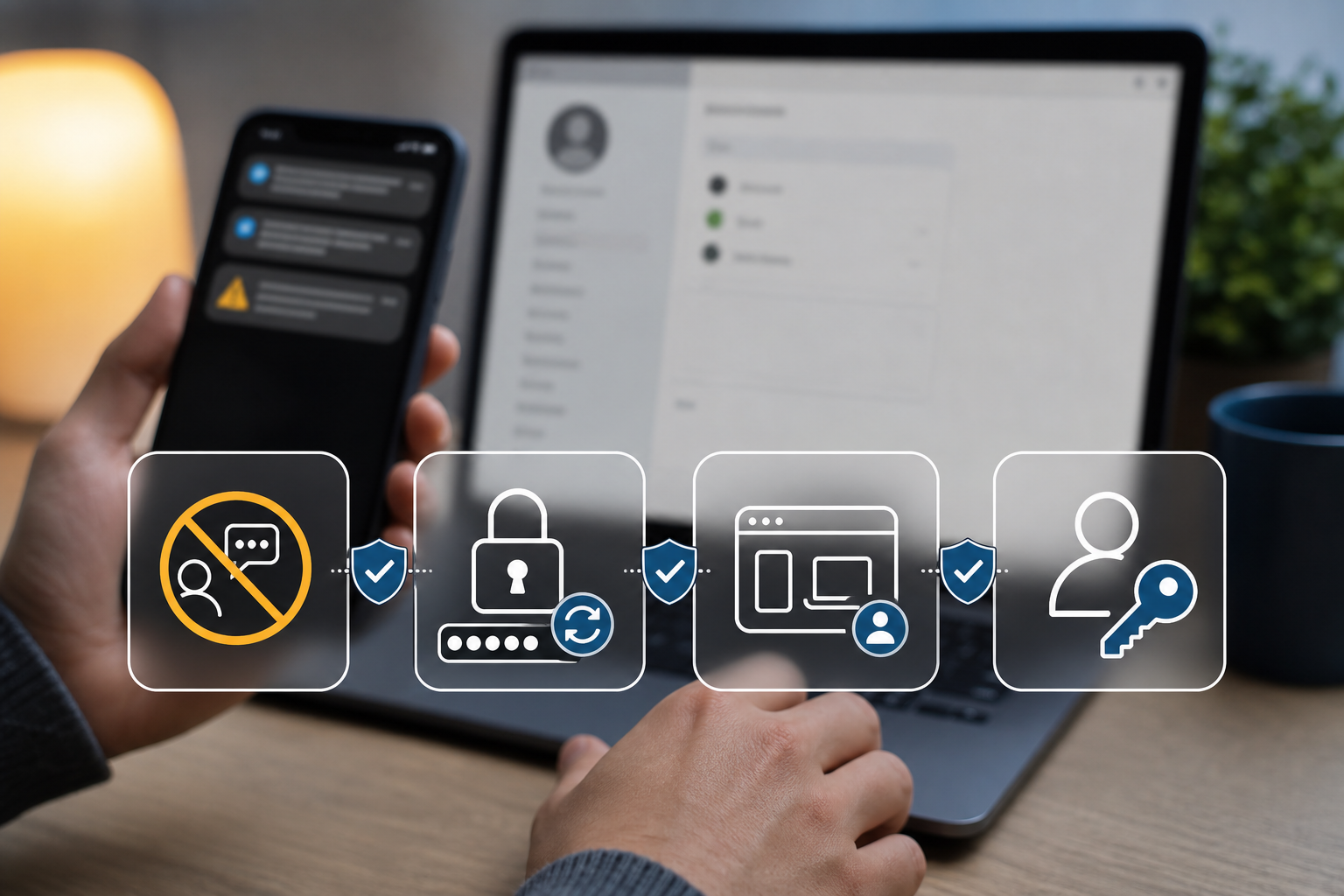
Do not share the code
No legitimate support agent should ask you to read back a verification code that was sent to your phone or email. Scammers often pretend they need the code to confirm your identity. In reality, the code may let them complete a login or password reset.
Change weak or reused passwords
If the code came from an account you recognize, sign in by typing the official website address yourself. Change the password if it is weak, old, or reused. Use a unique password for every important account.
Check recent activity
Many services show recent logins, connected devices, and active sessions. Remove devices you do not recognize. Sign out of all sessions if the service offers that option, then sign back in on trusted devices.
Enable stronger authentication
Two-factor authentication is better than password-only login, but some methods are stronger than others. App-based codes, security keys, and passkeys are generally more resistant than SMS codes. Use the strongest method the service supports.
Protect files after account compromise
If an attacker accessed cloud storage, email, or a device account, check whether files were deleted, encrypted, shared, or moved. Do not rush to reset devices before copying important evidence and confirming backup status.
If local files are missing or a storage drive was affected, recovery guidance from Drecov can help users avoid actions that overwrite recoverable data.
When files are deleted
First check cloud trash, version history, and device recycle bins. If files were deleted from a local drive, stop saving new data to that drive. Users who need recovery software can start from the Drecov download link and recover to a separate storage location.
The bottom line
Unexpected verification codes are an early warning. Do not share the code, secure the account, review activity, and protect files before making major changes. A few minutes of careful response can prevent a small alert from becoming a larger incident.
About us and this blog
Panda Assistant is built on the latest data recovery algorithms, ensuring that no file is too damaged, too lost, or too corrupted to be recovered.
Request a free quote
We believe that data recovery shouldn’t be a daunting task. That’s why we’ve designed Panda Assistant to be as easy to use as it is powerful. With a few clicks, you can initiate a scan, preview recoverable files, and restore your data all within a matter of minutes.