Try lt Free
 Recovery success rate of up to

Cloud storage feels safe because files appear on every device and survive a laptop failure. That convenience is real, but it can also create a false sense of security. Cloud storage is not automatically the same as backup, privacy, or recovery.
Here are five common myths every user should understand before relying on cloud storage for important documents, photos, or business files.
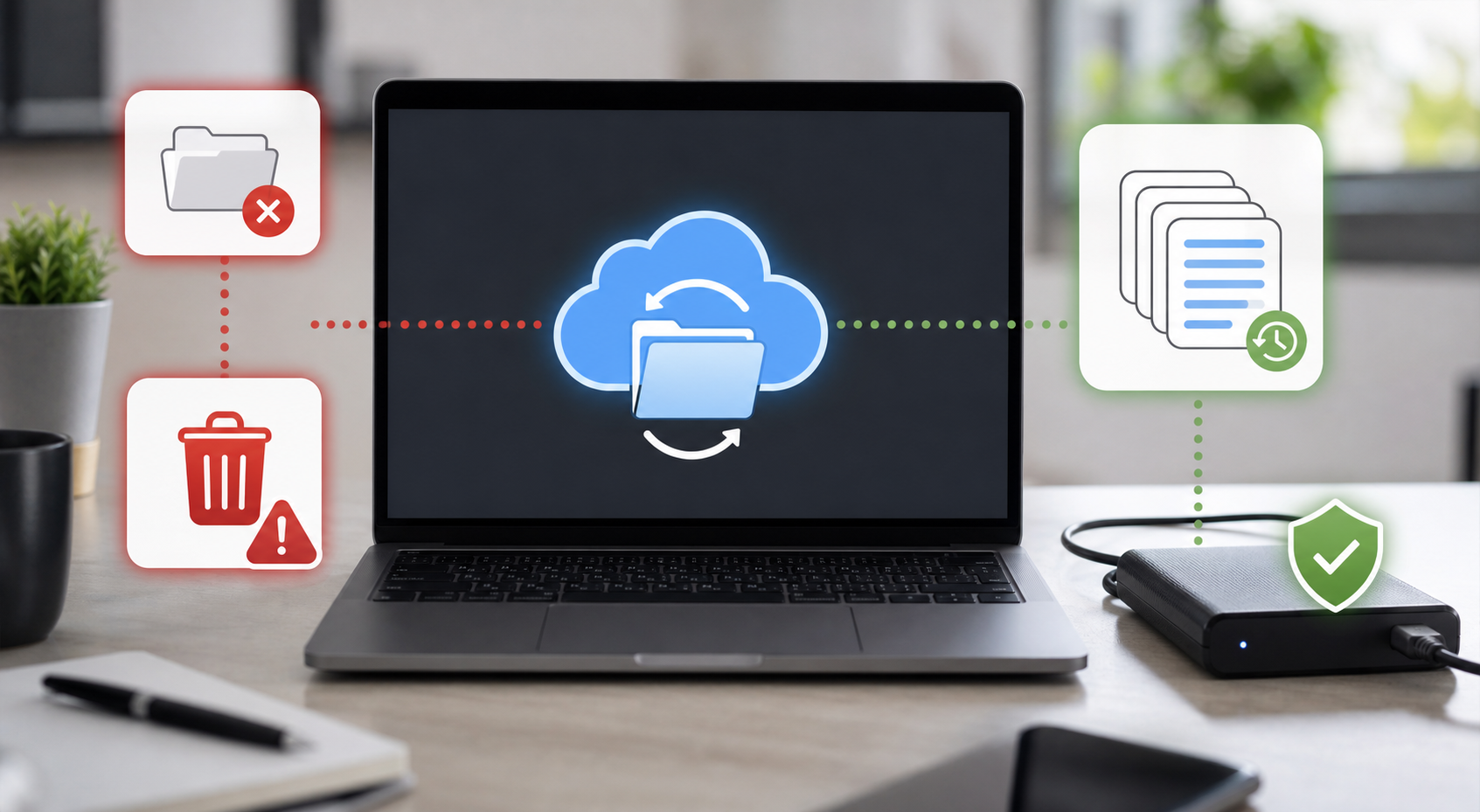
Myth 1: Sync is the same as backup
Sync keeps folders updated across devices. If you edit a file on one computer, the change appears elsewhere. That is useful, but it also means mistakes can sync quickly. Accidental deletion, corruption, or ransomware-encrypted files may spread to the cloud copy.
A backup should preserve older versions or separate copies that can be restored even after a mistake syncs.
Myth 2: Cloud files cannot be lost
Cloud providers are generally reliable, but users can still lose access through account compromise, subscription problems, accidental deletion, shared-folder mistakes, or failed sync settings. Deleted file retention periods vary by service and account type.
Myth 3: Cloud storage protects privacy by default
Some cloud services encrypt files in transit and at rest, but that does not always mean the provider cannot access file contents. Users who store sensitive information should understand encryption settings, sharing permissions, and recovery methods.
Myth 4: Ransomware only affects local files
Ransomware can target folders that sync to the cloud. If encrypted versions replace clean files, users may need version history or backup snapshots. Business users should test restore procedures before an emergency.
Myth 5: Recovery is always easy
Recovery depends on the situation. A deleted cloud file may be restored from the trash. A corrupted local drive may require file recovery before sync replaces or removes data. If local files are missing, avoid writing new data to the affected device and review recovery steps from Drecov.
Build a safer cloud strategy
Use strong unique passwords, enable two-factor authentication, review sharing links, and keep at least one independent backup. For critical files, follow a 3-2-1 pattern: three copies, two storage types, and one copy away from the main device.
If data loss already happened on a local drive, recover to a separate location. Users can use the Drecov download link to scan affected storage without saving recovered files back to the same device.
About us and this blog
Panda Assistant is built on the latest data recovery algorithms, ensuring that no file is too damaged, too lost, or too corrupted to be recovered.
Request a free quote
We believe that data recovery shouldn’t be a daunting task. That’s why we’ve designed Panda Assistant to be as easy to use as it is powerful. With a few clicks, you can initiate a scan, preview recoverable files, and restore your data all within a matter of minutes.