Try lt Free
 Recovery success rate of up to

Phishing used to be easier to recognize. The message might contain broken grammar, a strange sender address, or an urgent request that felt obviously fake. AI has changed that. Today, a scam email can sound polite, professional, and surprisingly specific. It may imitate a delivery company, a software subscription, a bank alert, or even a colleague.
The danger is not only that AI can write better scam messages. It can also help attackers create many variations quickly, personalize messages from public information, and remove the obvious mistakes users once relied on. That means everyday users need a better safety routine.
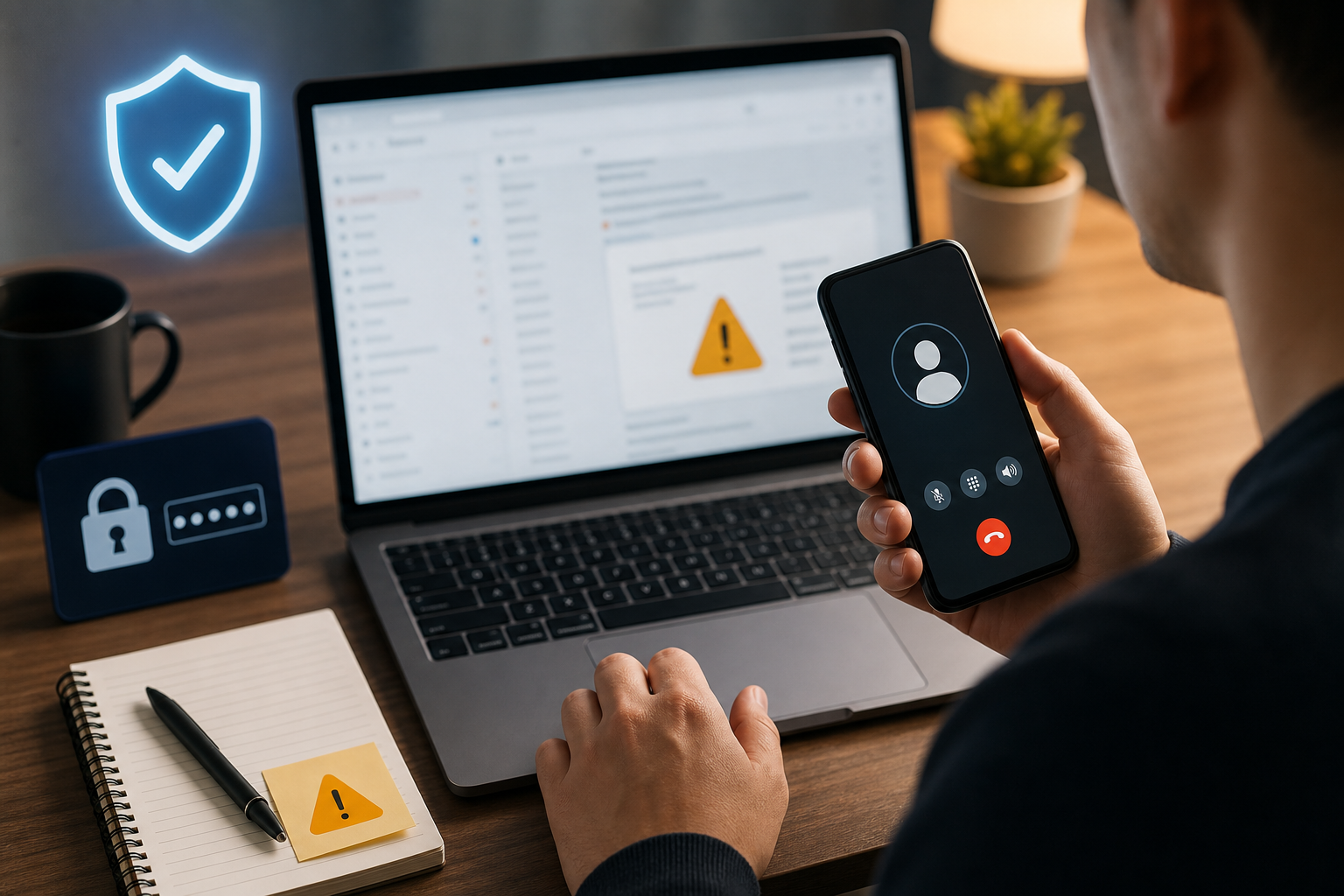
Why AI phishing is different
AI makes phishing more convincing in three ways. First, the language sounds natural. Second, the message can be tailored to a person or business. Third, attackers can test different subject lines and calls to action until one works. A fake invoice, cloud document, password reset, or delivery notice may look ordinary at first glance.
Some scams also combine email with voice or video. A user may receive a message, then a phone call that appears to confirm it. As deepfake audio becomes easier to create, 鈥渋t sounded like them鈥?is no longer enough proof.
Warning signs still matter
Even polished phishing emails usually create pressure. Be careful when a message asks you to act immediately, avoid normal approval channels, download an unexpected file, scan a QR code, or sign in through a link. Also watch for small mismatches: a sender name that does not match the domain, a payment request from a different account, or a document link that opens a login page before showing anything useful.
The safest response is to pause. Do not click the link from the email. Open the official website manually, use a saved bookmark, or contact the person through a known phone number or messaging channel.
Protect your accounts before a scam arrives
Good security settings reduce the damage from one bad click. Use a password manager so each account has a unique password. Turn on two-factor authentication or passkeys when available. Keep recovery email addresses and phone numbers updated. For work accounts, admins should review login alerts and unusual location activity.
Files also need protection. If a phishing email tricks a user into downloading malware, important documents and photos may be deleted, encrypted, or damaged. A reliable backup routine is still one of the best defenses. If you are trying to understand recovery options after file loss, Drecov provides data recovery guidance that can help users avoid rushed decisions.
Be careful with attachments and cloud links
Attachments are not the only risk. Many phishing campaigns now use cloud storage links, shared document invitations, and fake collaboration notices. These feel familiar because real workplaces use the same tools every day. If a document asks you to sign in again, check the browser address carefully. If the file was unexpected, confirm with the sender through a separate channel.
For personal users, the same rule applies to photo albums, tax documents, delivery labels, and 鈥渟ecurity reports.鈥?A file that creates urgency should be treated as suspicious until verified.
What to do if you clicked
If you clicked a suspicious link but did not enter information, close the page and run a security check. If you entered a password, change it immediately from the official website, sign out of other sessions, and enable two-factor authentication. If you downloaded and opened a file, disconnect from the network if you suspect malware, scan the device, and avoid moving or overwriting important files until you know what happened.
If files disappear or become unreadable, do not keep saving new data to the same drive. Continued use can overwrite recoverable files. Users who need a recovery utility can use the Drecov download link and follow a careful recovery process.
The new rule: verify outside the message
AI phishing works because it makes the message feel normal. The defense is to make verification normal too. Before you click, pay, download, or sign in, verify through a channel the attacker does not control. That one habit can prevent most serious phishing damage.
About us and this blog
Panda Assistant is built on the latest data recovery algorithms, ensuring that no file is too damaged, too lost, or too corrupted to be recovered.
Request a free quote
We believe that data recovery shouldn’t be a daunting task. That’s why we’ve designed Panda Assistant to be as easy to use as it is powerful. With a few clicks, you can initiate a scan, preview recoverable files, and restore your data all within a matter of minutes.