Try lt Free
 Recovery success rate of up to

Artificial intelligence is no longer a topic reserved for research labs or enterprise software teams. In 2026, AI is increasingly built into the apps, devices, search tools, and online services that ordinary users touch every day. The biggest change is not that AI can write faster or summarize more text. The real shift is that AI is becoming part of the interface between people and their digital lives.
That shift brings convenience, but it also changes how users should think about privacy, backups, account security, and the information they trust. If you use a phone, laptop, cloud drive, or productivity app, these are the AI technology trends worth watching.
1. AI search becomes a daily habit
Search engines are moving from lists of blue links toward direct answers, summaries, and conversational follow-up questions. For users, this can save time when comparing products, learning a new skill, or troubleshooting a device. The risk is that AI summaries may hide the original source, miss important context, or confidently present outdated information.
The practical rule is simple: use AI search to narrow the question, but verify important instructions before acting. This is especially important for technical fixes, medical advice, financial decisions, and any operation that could delete files or change a device configuration.
2. AI tools move into ordinary office work
Email drafting, meeting summaries, spreadsheet cleanup, presentation outlines, and customer support replies are now common AI use cases. Small teams can move faster, but they also need rules around what information can be pasted into an AI tool. Customer records, contracts, private photos, financial data, and recovery logs should be treated carefully.
If your work involves lost files or damaged storage devices, keep recovery details organized before using any tool. A simple reference point like Drecov can help users understand data recovery scenarios before they make risky changes to a drive or memory card.
3. AI-powered devices become more personal
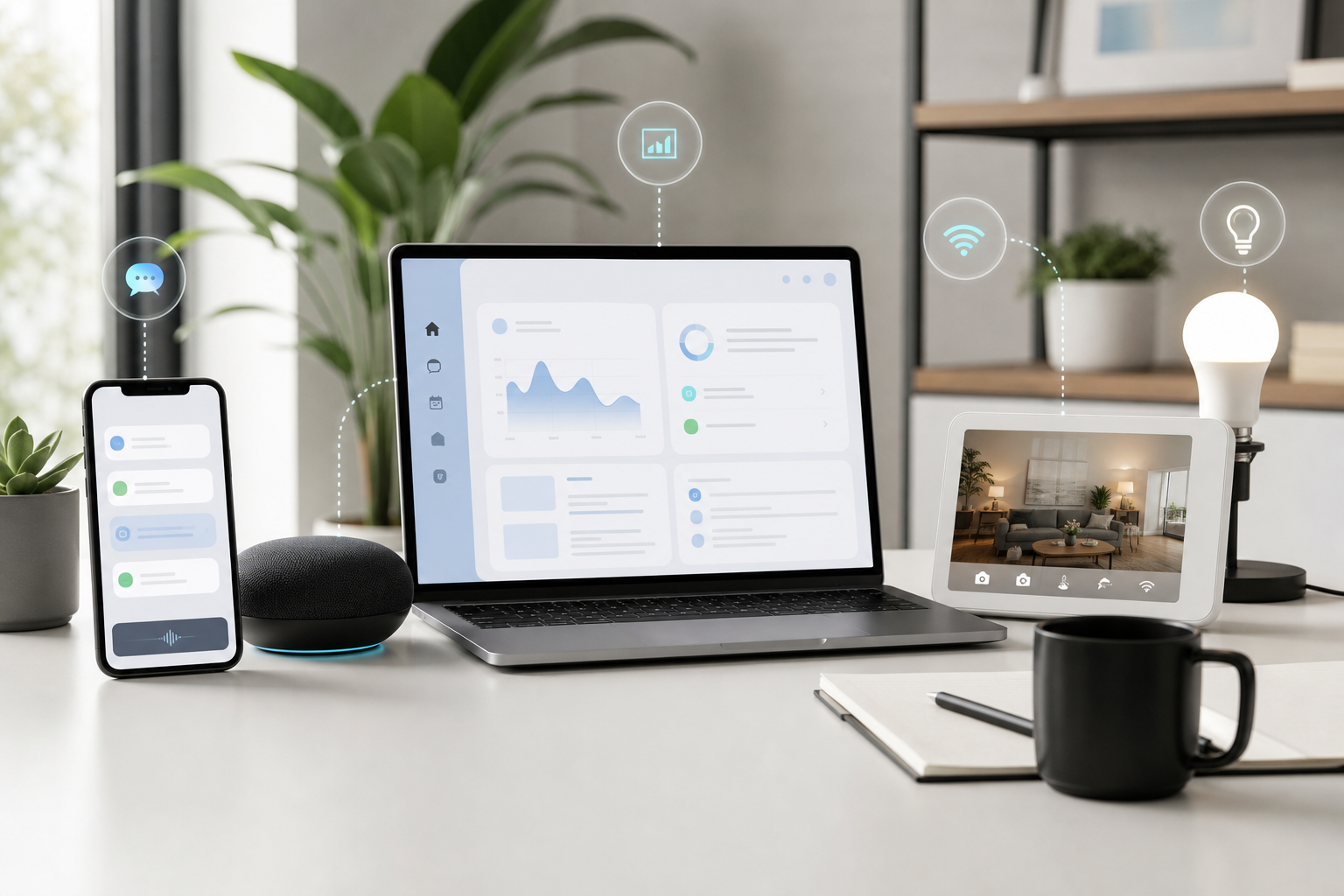
Phones, wearables, smart glasses, and home devices are gaining AI features that observe context and provide proactive suggestions. This can make devices feel more helpful, but it also means more sensors, more background processing, and more questions about what is stored locally versus sent to the cloud.
Before enabling a new AI device feature, check three things: whether the feature records audio or screen content, whether data is used for training, and whether you can delete stored history. Convenience should not require giving up basic control over personal data.
4. AI security threats become harder to spot
Old phishing messages often had obvious spelling mistakes or strange formatting. New AI-assisted scams can sound natural, reference real companies, and imitate a colleague or family member. Voice cloning and deepfake video also make identity checks more complicated.
Users should rely less on instinct and more on procedure: verify payment requests through a second channel, avoid clicking login links from messages, use multi-factor authentication, and keep backup copies of important files offline.
5. Personal data protection becomes part of digital literacy
AI systems work best when they have context, which means they often ask for documents, images, chat history, or connected app access. The safest users will be the ones who develop a habit of asking: 鈥淲ould I be comfortable if this file were stored or reviewed outside my device?鈥?/p>
For important documents and photos, the best strategy is still boring and reliable: keep backups, avoid unnecessary uploads, and know where your files are stored. If data loss already happened, stop writing new files to the affected device and use a trusted recovery workflow. Users who need a recovery tool can start from the Drecov download page.
6. AI becomes part of cloud storage
Cloud drives are adding AI search, automatic organization, photo recognition, and document summaries. This makes large file libraries easier to manage, but it also increases the value of a compromised account. A cloud drive is no longer just a folder; it may become a searchable profile of your work and personal life.
Use strong passwords, passkeys where available, and two-factor authentication. Also keep at least one backup outside the cloud service. A deleted, synced, or encrypted cloud folder can still become a problem if it is your only copy.
7. Human judgment becomes more important, not less
The more capable AI becomes, the more important it is to know when not to trust automation. AI can help explain error messages, draft plans, and compare options, but it should not be the only authority when files, accounts, or private data are at risk.
The best approach in 2026 is not to avoid AI. It is to use AI with boundaries: verify sources, protect sensitive files, keep backups, and slow down before taking irreversible actions. Technology should make digital life easier, but the user still needs to stay in control.
About us and this blog
Panda Assistant is built on the latest data recovery algorithms, ensuring that no file is too damaged, too lost, or too corrupted to be recovered.
Request a free quote
We believe that data recovery shouldn’t be a daunting task. That’s why we’ve designed Panda Assistant to be as easy to use as it is powerful. With a few clicks, you can initiate a scan, preview recoverable files, and restore your data all within a matter of minutes.